 Downlink
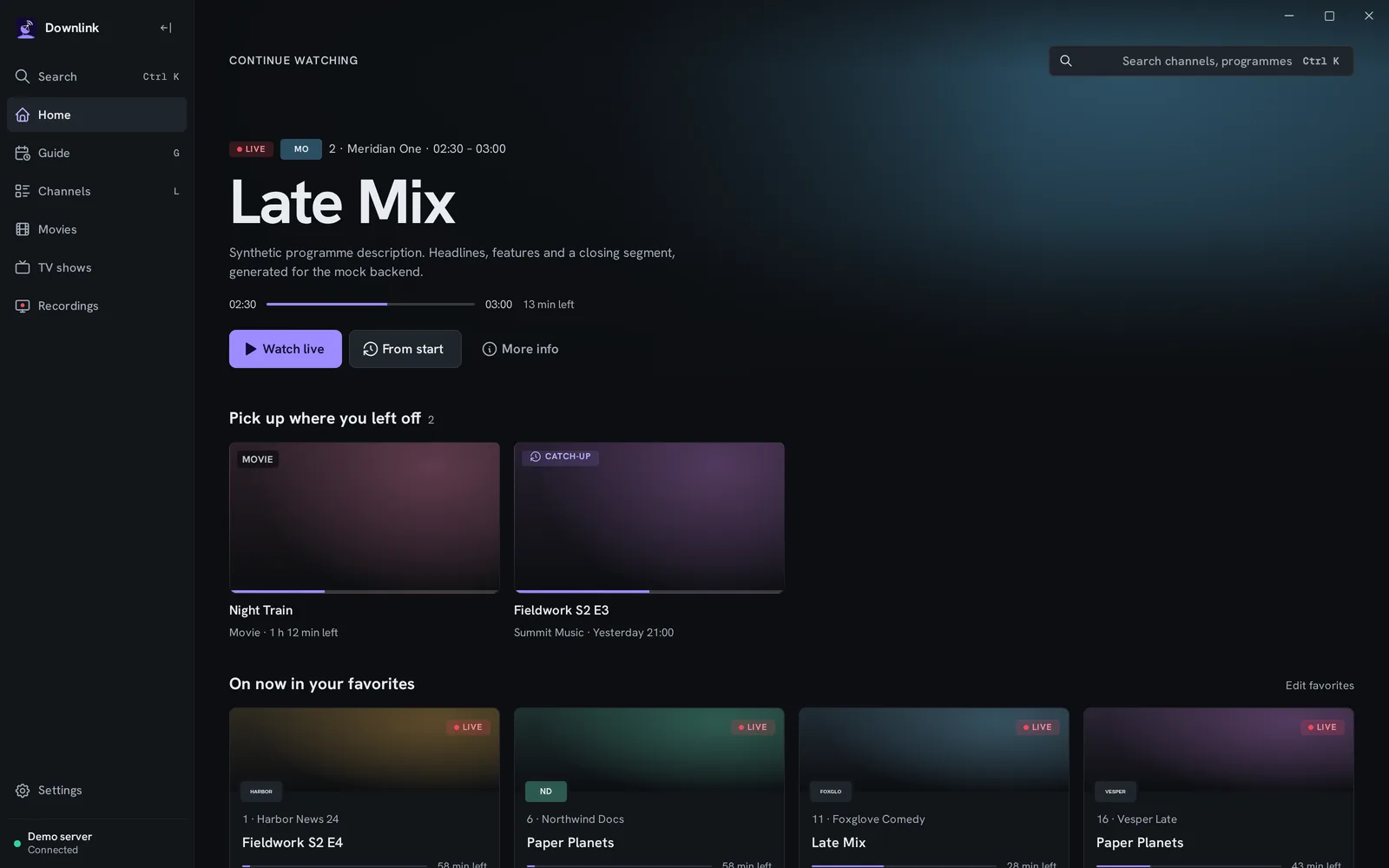
Downlink plays M3U and M3U8 IPTV playlists. Add an XMLTV guide (EPG) and you get the full program guide, with now/next and search, alongside your channels.
Downlink ships with no channels and doesn’t provide any. Use it only with playlists you have the right to watch.
What you need
- The playlist URL (
.m3uor.m3u8). - Optionally, an XMLTV guide URL. If you leave it empty, Downlink uses the guide named in the playlist’s header (
url-tvg), if there is one. - Downlink installed on your computer. Download it from the home page.
Add the playlist
- Start Downlink. The first time it opens, it shows Add a source. After that, add more from Settings → Sources → Add source.
- Choose the M3U + XMLTV tab.
- Give the source a name.
- Paste the playlist URL.
- Paste the XMLTV guide URL, or leave it empty to use the one in the playlist.
- Select Test connection. Downlink loads the playlist and shows how many channels and programs it found.
- Select Save and open Live TV.
What works with a playlist
- Live TV: every channel in the playlist, with favorites. Nested playlists (
type="playlist"entries) are merged in. - TV guide: when there is an XMLTV guide, you get now/next, the full guide and local search of program titles and descriptions.
- Catch-up: on channels whose playlist entries include catch-up details (
catchup,catchup-source,catchup-days). Thedefault,append,shiftandxccatch-up types are supported, and so iscatchup-correction. - Multiview and fast channel changes, as with every source.
Movies, series and DVR depend on a server API that a plain playlist doesn’t have. For those, use an Xtream account or Dispatcharr.
Large or messy playlists
Downlink reads playlists as a stream, so very large files don’t use much memory. A broken entry is skipped and counted instead of stopping the whole import. Windows and Mac line endings, a UTF-8 byte order mark and Windows-1252 text are all handled.
Troubleshooting
- The playlist won’t load. Open the URL in a browser on the same computer to check that it downloads.
- Channels have no guide data. The channel IDs in the playlist (
tvg-id) must match the channel IDs in the XMLTV file. - Catch-up plays the wrong hour. Ask the playlist’s provider whether it needs a
catchup-correctionvalue. - Something else. In Settings → About, choose Copy diagnostics and include the result in a GitHub issue.