 Downlink
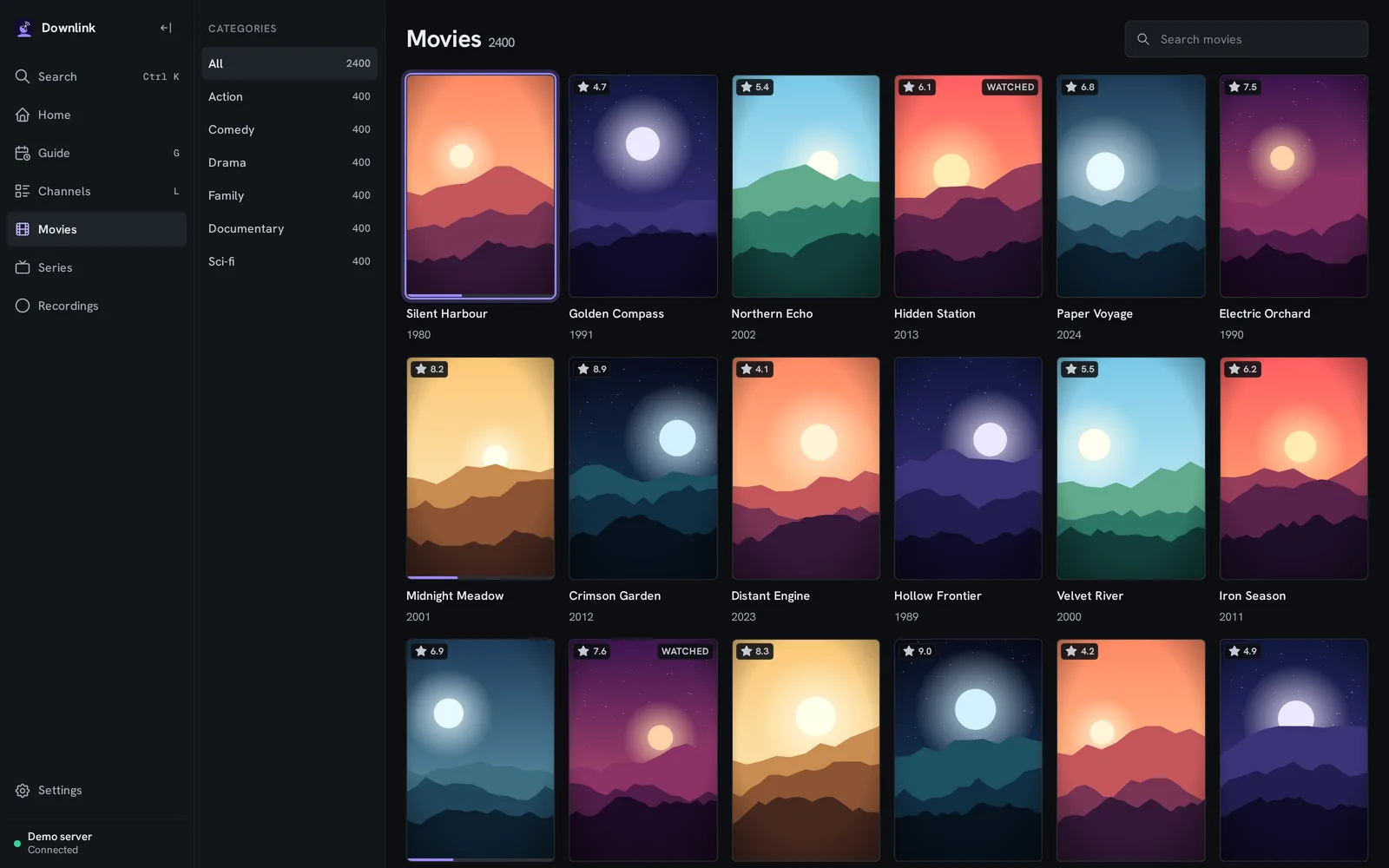
Downlink can sign in to an Xtream Codes account (the “XC API”) with the server address, username and password you were given. The app loads your live channels, the guide and, if the service offers them, movies and series.
Downlink ships with no channels and doesn’t provide any. Use it only with services you have the right to watch.
What you need
- The server URL of the Xtream service, for example
http://example.com:8080. - Your username and password for that service.
- Downlink installed on your computer. Download it from the home page.
Add the account
- Start Downlink. The first time it opens, it shows Add a source. After that, add more from Settings → Sources → Add source.
- Choose the Xtream tab.
- Give the source a name.
- Enter the server URL, including
http://orhttps://and the port. - Enter your username and password.
- Select Test connection. Downlink signs in and shows how many channels and programs it found.
- Select Save and open Live TV.
If the server uses HTTPS with a self-signed certificate on your own network, turn on Allow self-signed certificate under Advanced options first.
What you get with Xtream
- Live TV and guide: the service’s channels and program guide, with local search of program titles and descriptions.
- Catch-up: watch programs that have already aired, on channels where the service keeps an archive. Downlink uses the server’s time zone, so the program you pick is the one that plays.
- Movies and series: shown when the service has VOD content.
- Multiview: watch several channels at once in a grid.
- Fast channel changes: the player is kept ready, so changing channels doesn’t wait on the network.
DVR recordings are a Dispatcharr feature. If you run Dispatcharr, add it as a Dispatcharr source to get DVR as well.
Your password stays private
Downlink stores your password in the operating system’s keychain. It is never written to Downlink’s database or to its logs, and the links Downlink builds with it are never logged.
Troubleshooting
- Sign-in fails. Check the URL, port, username and password. An expired or suspended account is also rejected.
- No movies or series. Downlink shows VOD only when the service has VOD content.
- Catch-up isn’t offered on a channel. That channel has no archive on the service.
- Something else. In Settings → About, choose Copy diagnostics and include the result in a GitHub issue. Credentials are always removed from it.